CAD EditorFree online CAD software for Mac, Windows, iPad, and phone. Open and edit DXF in any browser, opens DWG too, with no install or account.
CAD Editor is a free, browser-based CAD editor that opens and edits DXF files on Mac, iPad, and phone. Yes, it is completely free to use online, with no account and no install.
Why CAD Editor?
Free CAD software that runs online in any browser, on any device. It keeps the keyboard shortcuts CAD users already know and is tuned for building architecture.
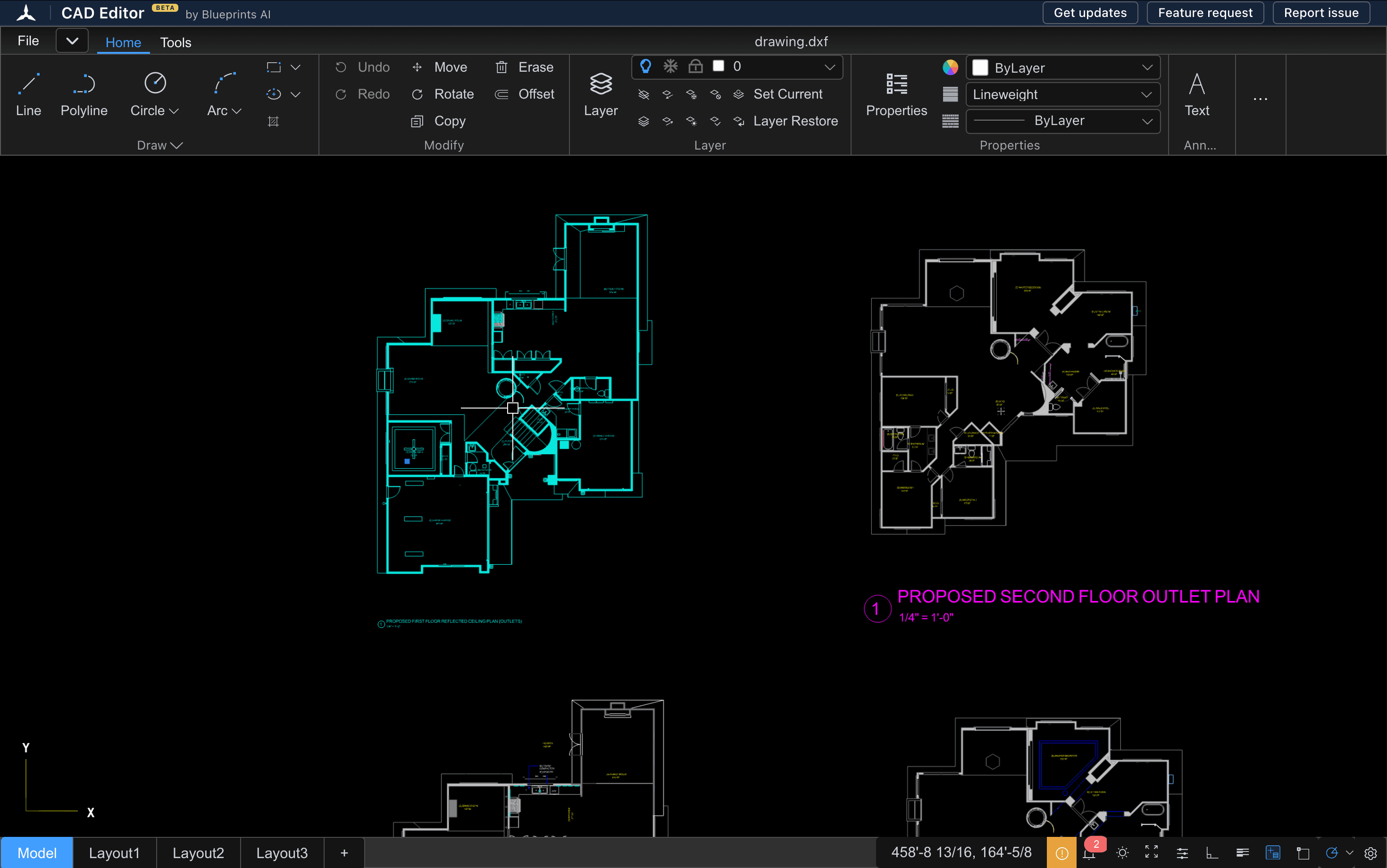
Runs in your browser
Edit DXF in the browser on any device, and open DWG files too. No install, no setup.
Keep your muscle memory
Familiar keyboard shortcuts (the AutoCAD commands you already know), with UX fixes that make them easier.
Optimized for building drafting
Purpose-built to handle building drafting with precision for architects and engineers
Everything You Need to Open and Edit a Drawing
The everyday CAD toolkit in the browser: open DXF and DWG, create and edit in 2D, and export clean DXF, on any device.
Open DXF and DWG
Drag in a DXF or DWG and it opens in seconds. No install and no account required.
Create and edit in 2D
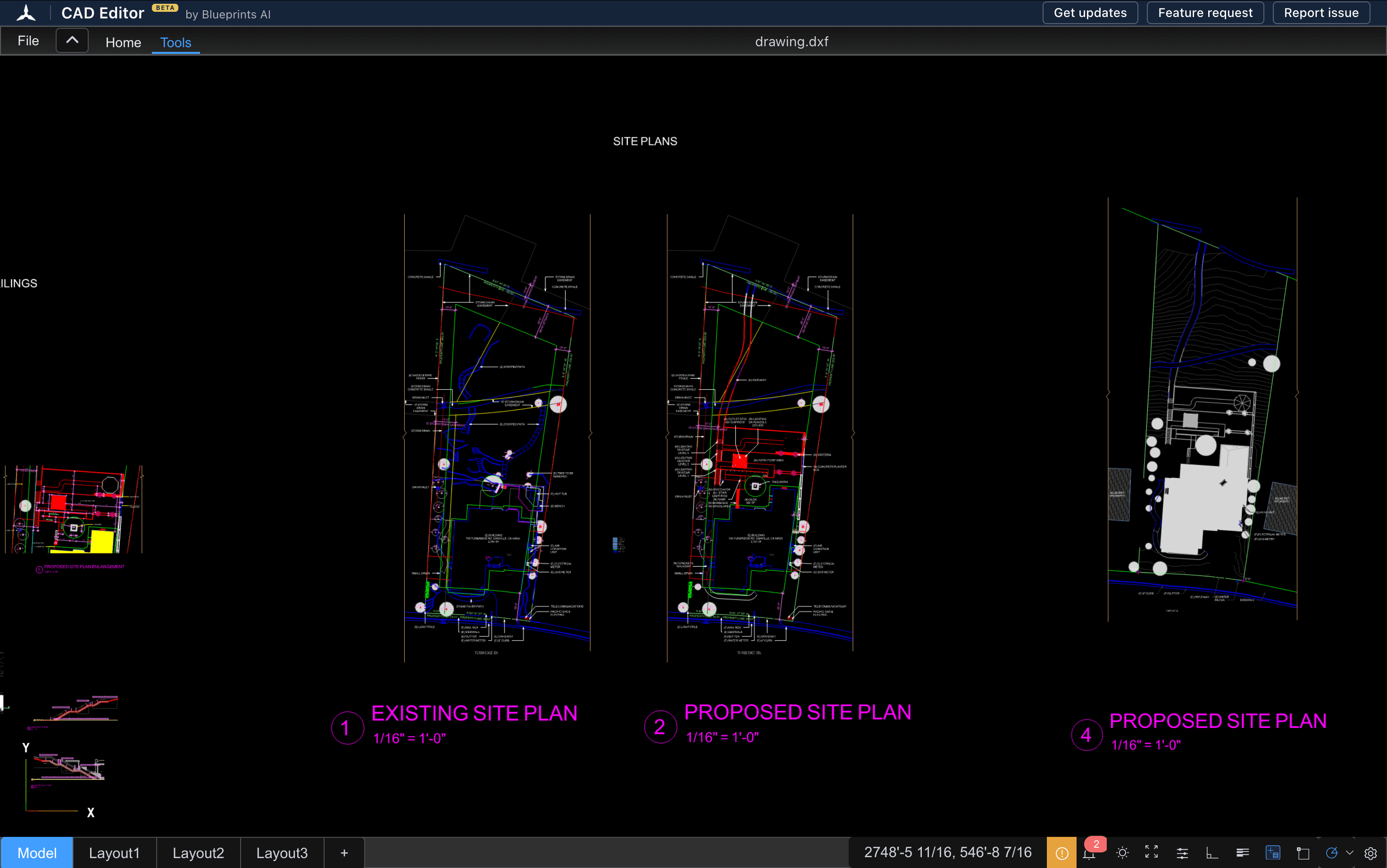
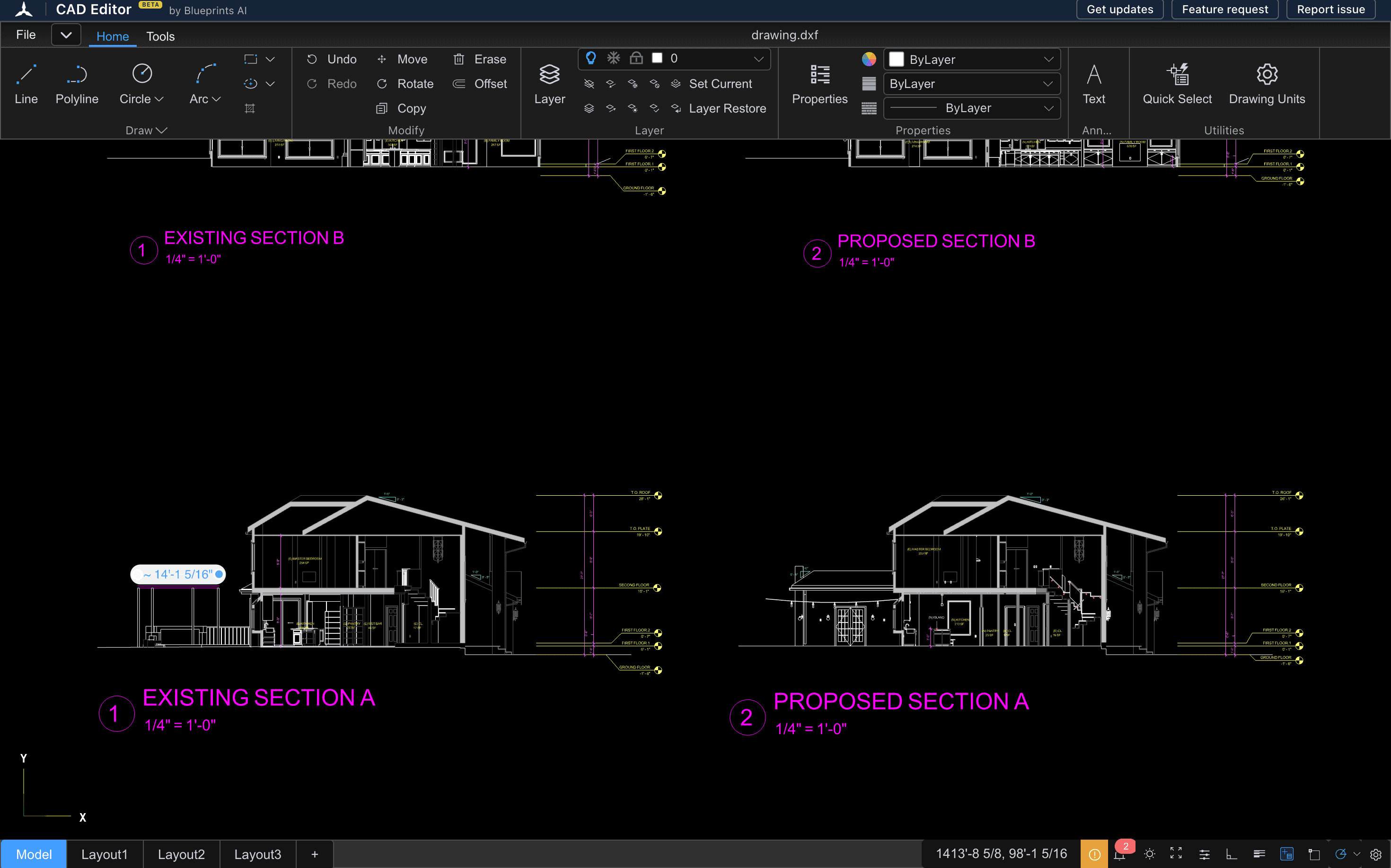
Lines, arcs, polylines, and layers. Make live changes and save your work anytime.
30/45/60/90 degree snaps
Angle snaps tuned for building architecture, so walls and corners stay true.
Architectural units and dimensions
Work in feet and inches, scale aware, with dimensions that read like a real drawing.
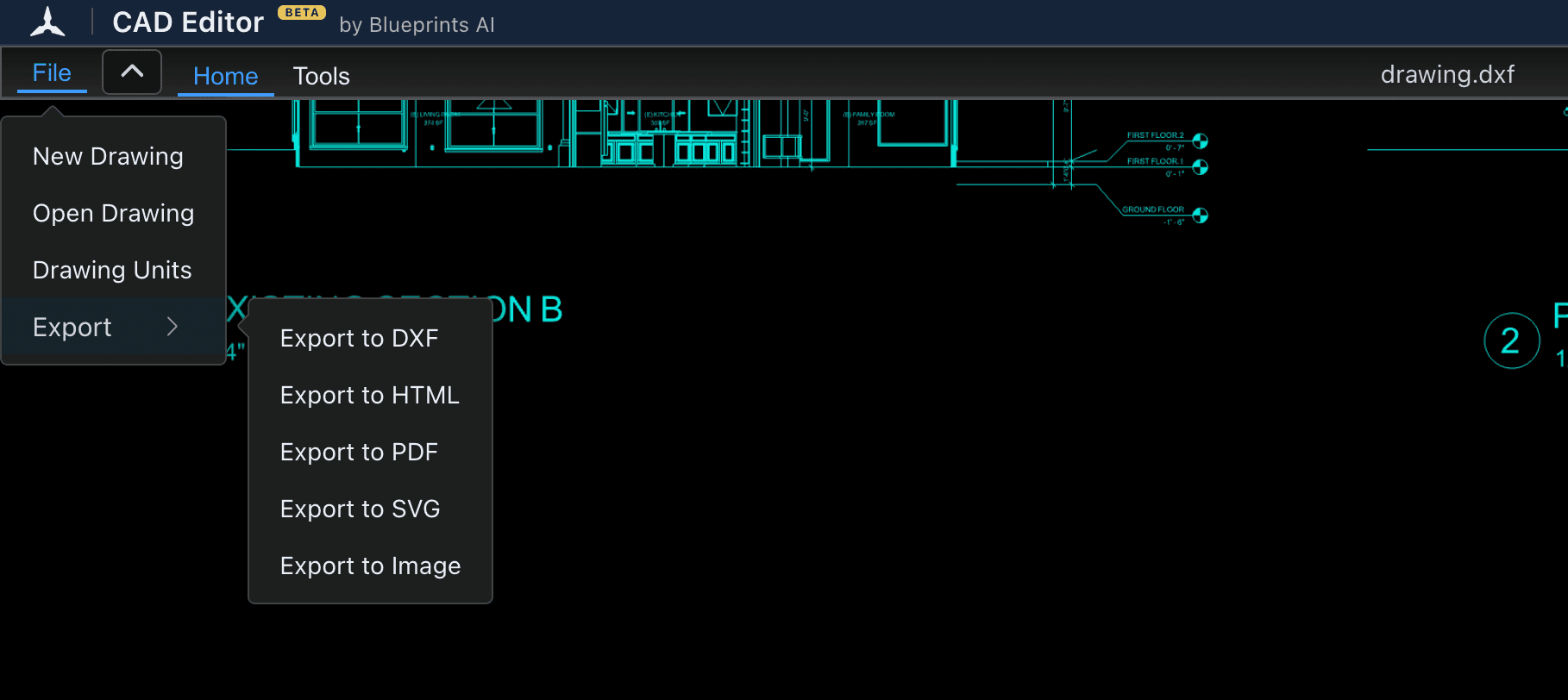
Export clean DXF
Export a tidy DXF to hand off to any CAD tool, or send it to Blueprints AI.
AI assistant (coming)
Describe an edit and let the assistant draft it. In development now.
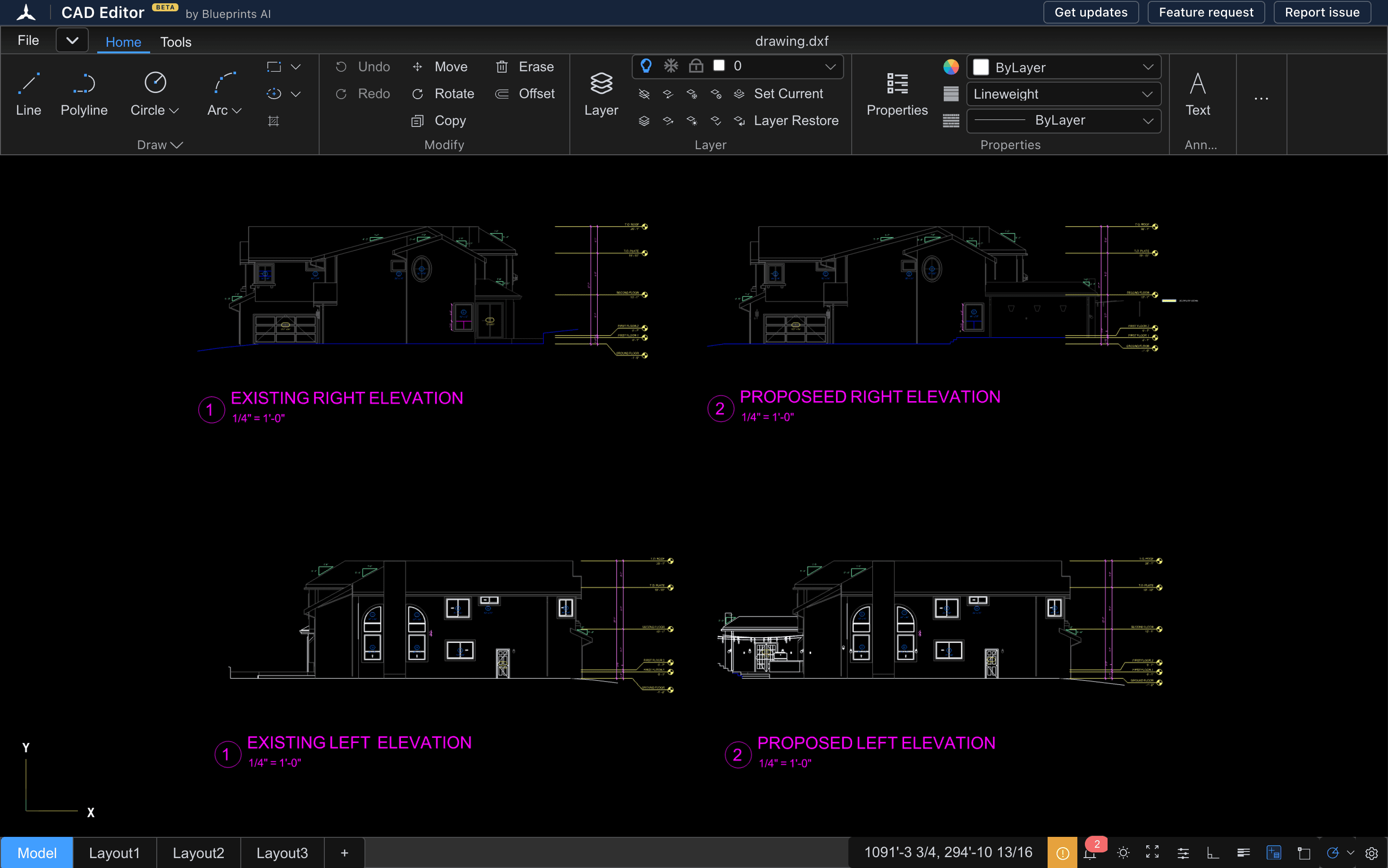
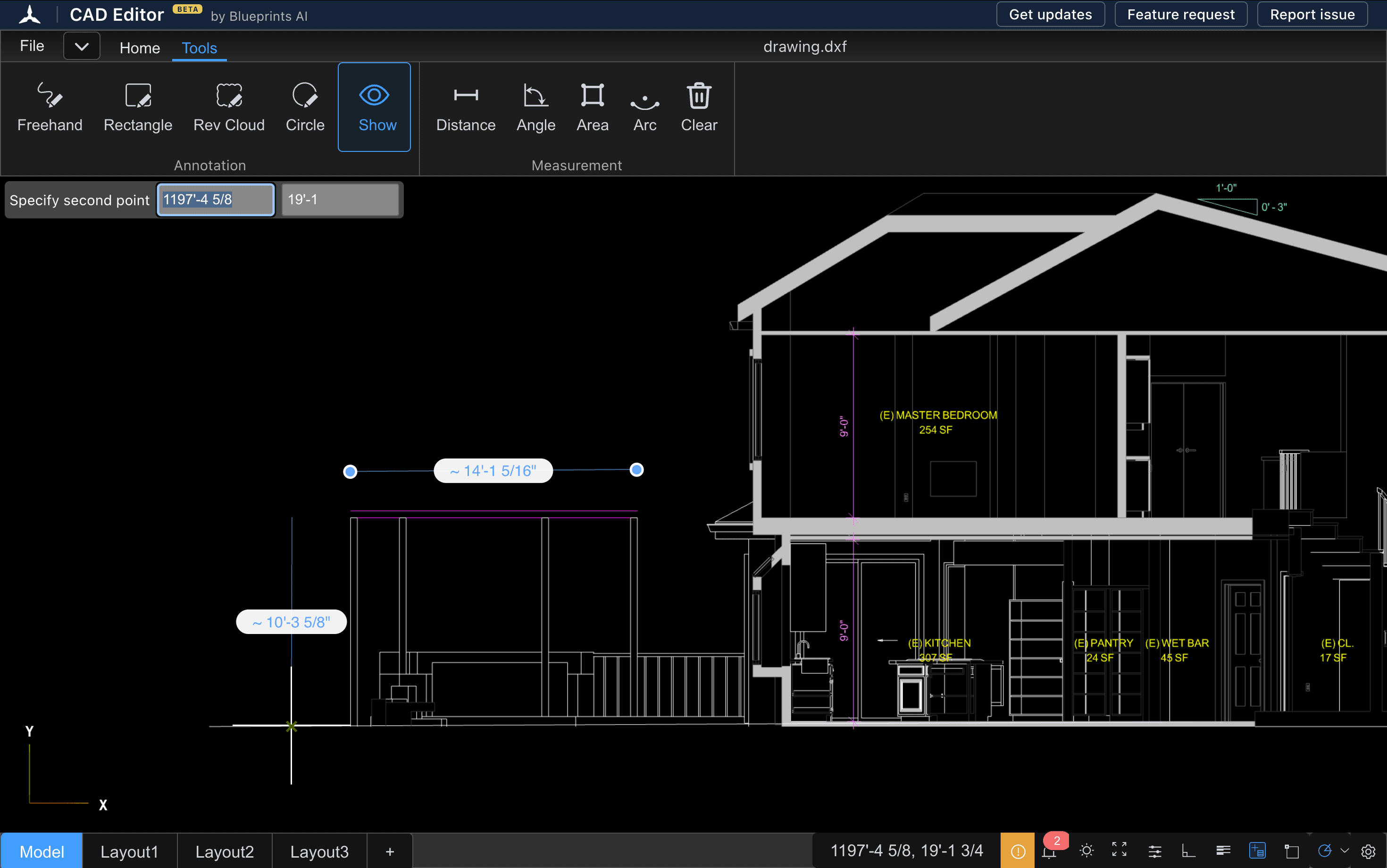
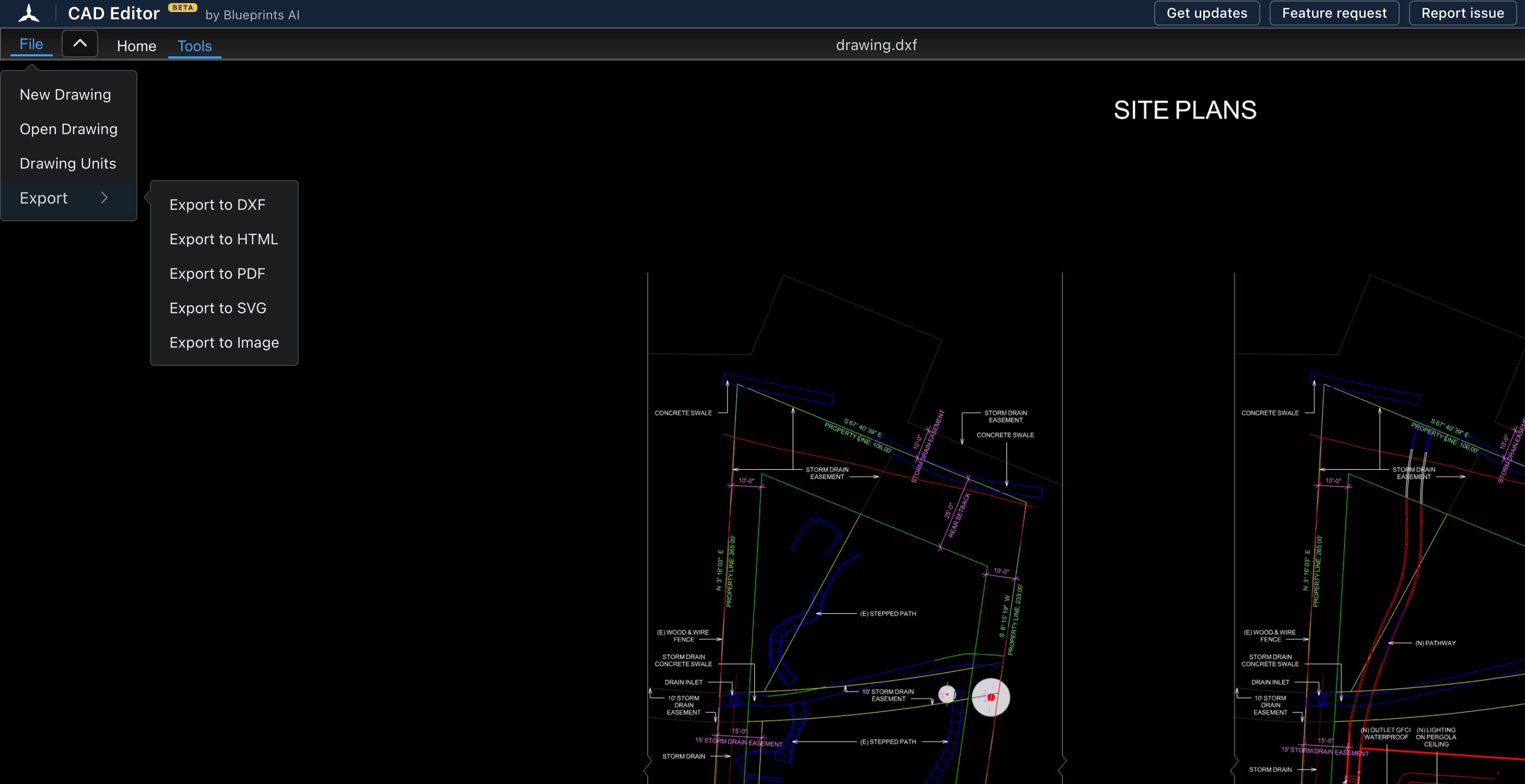
Open, Edit, Export
Three steps, no install. Drag in a drawing and start working.
Open or import
Drag a DWG or DXF into your browser, or start a new drawing from scratch. Nothing to install, no account needed.
Draft and edit
Use the keyboard shortcuts CAD users know. Snap to architectural angles and work in real units.
Export DXF
Download a clean DXF, or send your drawing to Blueprints AI for code-compliant construction documents.
Free Browser CAD vs. Paid Desktop CAD
Paid desktop CAD starts around $2,000 per seat per year. CAD Editor is free.
| CAD EditorFree Browser CAD | Paid Desktop CAD | |
|---|---|---|
| Price | Free | ~$2,000/year/seat |
| Install required | None | Desktop install |
| Works on any device | Mainly desktop | |
| Familiar shortcuts | ||
| 2D drafting | ||
| Ships features fast | Community feature requests | Annual updates |
Works on Mac, Windows, and every device
CAD Editor runs in the browser, so it is cross-platform by default, with no Windows-only install.
Mac, Windows, Linux & Chromebook
Full browser drafting, no install and no Windows-only requirement.
iPad & Android tablets
View, redline and edit on a larger touch screen.
iPhone & Android phones
Open a drawing and check details on the go.


Free, More on the Way
Open the editor free today. More features are on the way.
Free
$0Open, edit, and export CAD files in your browser.
Open CAD Editor- Edit DXF, and open DWG
- Export DXF
- Familiar keyboard shortcuts CAD users know
- Architectural units and angle snaps
- No install, no account
No card needed to start. Free to use any time, anywhere.
Opening and editing a CAD file shouldn't cost about $2,000 a year per seat, or be tied to a Windows machine. Reading and redlining a drawing is the most common job on a project, and for years it was locked behind one desktop seat. We built CAD Editor to open that up: open any DXF or DWG, on any device, in any browser, free, with the familiar shortcuts you already know.
 Al DramFounder of Blueprints AIEx-Planning Commissioner
FAQs
Straight answers about the free browser editor, file formats, keyboard shortcuts, and what is coming next.
Open Your First Drawing, Free
Drag in a DXF or DWG and start editing in seconds. Export as DXF. No install, no account.